

November 29, 2026

The money side of Play Store admin is where developers lose the most sleep: payments profiles, tax forms, payout thresholds, currency conversions, and the dreaded “where is my money” investigation. Unlike user management (covered in our Google Play Store admin guide), financial admin is unforgiving — mistakes don’t just cause errors, they silently stop payouts while everything else looks fine. This guide covers the complete financial administration of your developer account.
In short: complete your payments profile and tax forms before your first sale, because Google pays monthly only once your balance clears the minimum threshold and your tax paperwork is valid. Expect 60–90 days from first sale to first bank receipt, and reconcile every payout against Play Console’s financial reports.
Your payments profile (account level — not inside individual apps) is Google’s record of who you are financially. It holds:
Critical fact: an incomplete payments profile does not block publishing — your apps ship and sell normally while payouts silently accumulate (or stall). Developers routinely discover tax-form gaps months later when the money doesn’t arrive. Set it up completely before your first sale, not after.
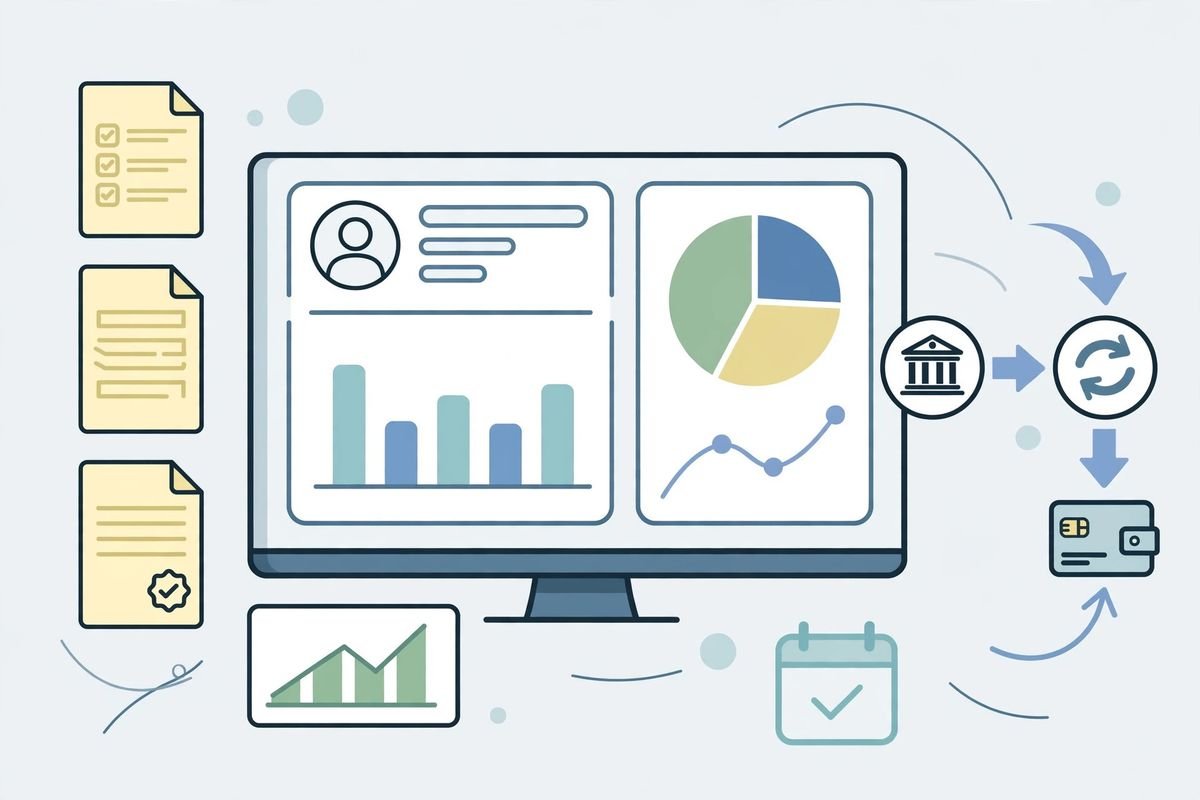
Google cannot pay you until your tax information is complete and valid:
Common failures:
If tax forms intimidate you, a single session with an accountant familiar with digital-services income ($100–300 in most markets) pays for itself in avoided withholding and delays.
The table below summarises which tax form each developer type needs:
| Developer type | Tax form | Notes |
|---|---|---|
| US developers | Form W-9 | Certifies you’re a US taxpayer |
| Non-US individuals | Form W-8BEN | Claims treaty benefits where applicable |
| Non-US entities | Form W-8BEN-E | Claims treaty benefits where applicable |
| Any developer without valid forms | — | Google may withhold tax on US-sourced earnings (up to 30%) |
Cash-flow planning: don’t budget launch revenue as immediate income. Between the monthly cycle, thresholds, and first-payout lag, plan on 60–90 days from first sale to money in your bank for a new account.
Financial admin means understanding the deductions before they happen:
These aren’t “admin settings” you configure — they’re the economic reality your pricing must absorb. Our developer account price breakdown models the full math.
The table below summarises the service fees described above:
| Earnings / type | Fee or deduction |
|---|---|
| First $1M of annual earnings per developer account | 15% |
| Annual earnings above $1M | 30% |
| Subscriptions | 15% from day one |
| Refunds and chargebacks | Deducted from your earnings |
Work this sequence before panicking:
If all six check out and money is still missing after a full cycle, contact support via Play Console with your payments profile ID and the specific payout period — vague “where’s my money” tickets get vague answers.
Simple cases (one developer, one country, one bank) are covered above. Complexity grows when:
When cross-border reality exceeds your comfort zone, that’s the signal to hire the accountant — ideally before the first complex payout, not after the first confusing tax letter.
Once a year, close the books properly: reconcile all twelve monthly payouts against Play Console financial reports, confirm tax forms are still valid (renew expiring treaty claims before withholding changes), archive the year’s invoices and reports for your accountant, review whether your business structure still fits (sole trader vs. company has real tax implications as revenue grows), and update the business-continuity file with current payments profile details. Developers who do this in January file taxes calmly; developers who don’t reconstruct a year of payouts from bank statements in April. Google’s payments help center documents thresholds, timelines, and troubleshooting for the mechanics.
The most common causes in order: incomplete tax forms, balance below the minimum payout threshold, mismatched bank details, and normal monthly-cycle timing. Check the payments profile first — tax gaps block payouts silently.
US developers: Form W-9. Non-US: W-8BEN (individuals) or W-8BEN-E (entities), plus any country-specific requirements. Without valid forms, Google may withhold up to 30% on US-sourced earnings.
On a monthly cycle, once your balance exceeds the minimum payout threshold for your country and payment method. New accounts should expect 60–90 days from first sale to first bank receipt.
Yes, in the account-level payments profile. Ensure the new account’s holder name matches your legal/tax name — mismatches bounce transfers and trigger reviews.
The 15%/30% service fee is the platform cut. Beyond that, your own bank’s conversion and wire fees apply on receipt — Google doesn’t add separate payout fees, but the money passes through systems that take their own small cuts.
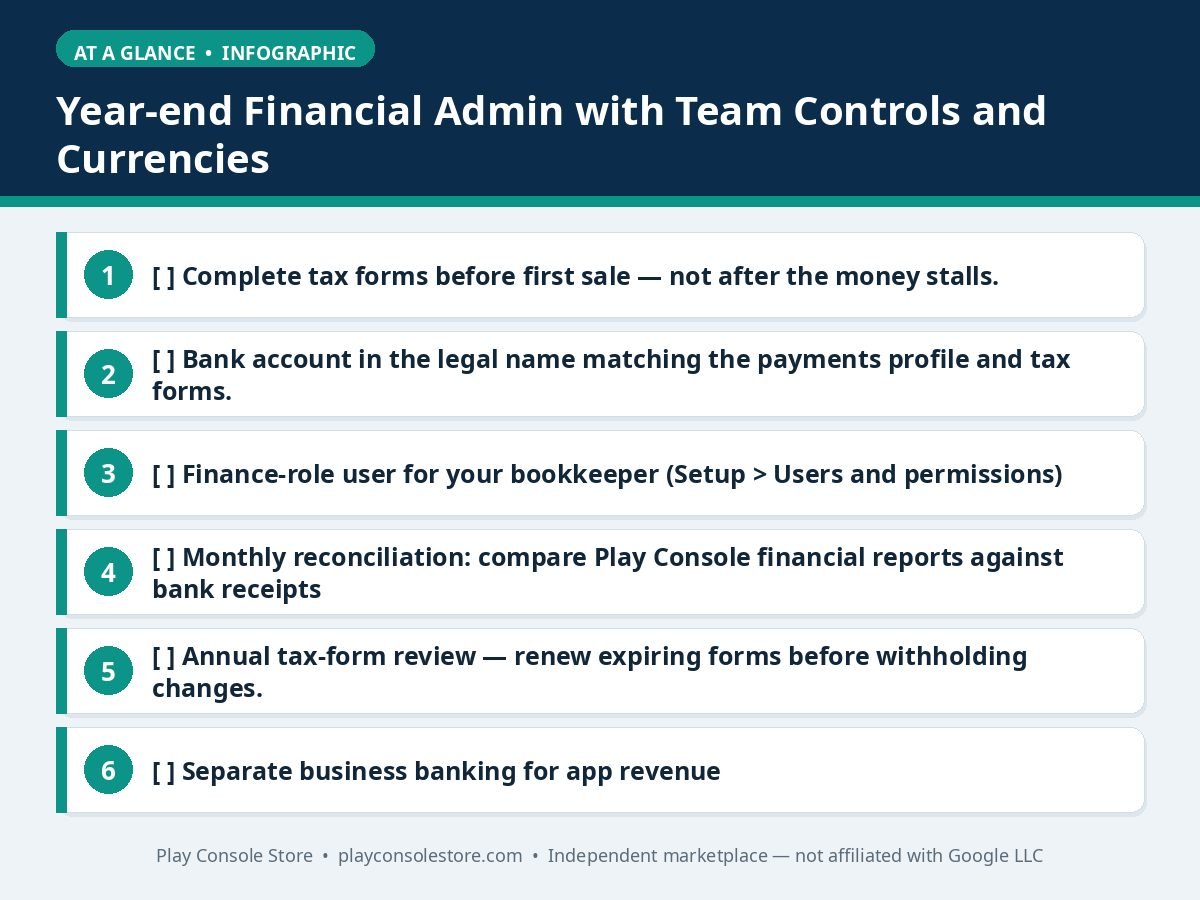
Financial Play Store admin is a setup-once, verify-often discipline: complete tax forms before the first sale, bank details matching legal names, thresholds understood, monthly reconciliation habitual, and annual reviews calendared. The developers with payout emergencies are almost never victims of a system failure — they’re victims of a form they meant to complete. Be the developer whose money just arrives.
Play Console Store is an independent marketplace helping Android developers with the business side of publishing — account setup, financial admin guidance, and compliance. Get your admin in order.