

November 23, 2026

The Google developer account price is refreshingly simple on the surface: a $25 one-time registration fee. But if you’re budgeting a real app launch, that number is only the cover charge. Between Google Play’s service fees on every sale, payout thresholds, tax paperwork, and the optional costs of running like a business, your true first-year spend can look very different from $25. This guide breaks down every dollar — what the fee covers, what it doesn’t, and how to plan a realistic budget before you register.
In short: The Google developer account price is a $25 one-time registration fee that never renews and covers unlimited apps. The real cost for monetised apps is Google’s 15% service fee on the first $1M of annual earnings (30% above it), plus payout thresholds and tax paperwork — not the registration itself.
Google charges a $25 USD one-time registration fee for a Google Play developer account. It’s paid once, at signup, by credit or debit card — and it never renews. This is true whether you register as an individual or as an organization, and whether you publish one app or one hundred.
A few things developers commonly get wrong about this fee:
The fee exists mainly as a spam filter: it keeps the Play Store from being flooded with throwaway accounts. Think of it less as a product price and more as a commitment signal.
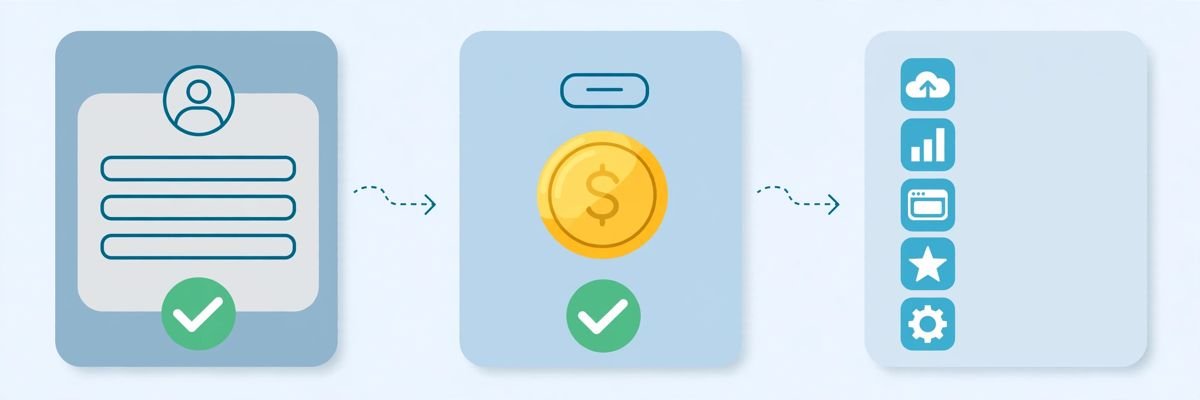
For your $25, you get permanent access to the full Google Play Console publishing platform (play.google.com/console):
Compared with the $99/year Apple Developer Program — which also gates you behind an annual renewal — the Google developer account price is one of the cheapest professional publishing licenses in software.
Here’s where the $25 stops being the whole story. If your app makes money, Google’s service fees dwarf the registration cost.
Google takes a cut of every transaction processed through Play Billing:
So if your app earns $10,000 in a year, Google keeps roughly $1,500. At $100,000, it’s $15,000. This — not the registration fee — is the cost that shapes your pricing strategy.
The table below summarises the service fee rates:
| Revenue type | Service fee rate |
|---|---|
| First $1 million of annual earnings per developer | 15% |
| Earnings above $1 million per year | 30% |
| Subscription revenue | 15% from day one (no 12-month waiting period) |
| Eligible apps in the Play Media Experience program (video, audio, books) | 15% |
Google documents the current tiers in its official service fee help article. For a deeper look at publishing economics, see our guide on publishing your app on Google Play.
Google pays developers via bank transfer on a monthly cycle, but money only moves once you clear the minimum payout threshold for your country and payment method, and only after your tax information is complete. Small earners should expect their first payout to lag — plan cash flow accordingly, especially if you’re a solo developer relying on launch revenue.
To receive payouts, you must submit tax forms (e.g., W-8BEN for non-US developers, W-9 for US developers) in your payments profile. Google may also withhold tax on US-sourced earnings if your forms are incomplete. There’s no fee for the forms themselves, but getting an accountant’s help — or an EIN/ITIN if you need one — can add $50–$300+ in some jurisdictions.
The $25 registration fee is charged in USD. If your card is in another currency, your bank’s conversion rate and foreign-transaction fee (often 1–3%) apply. Minor, but worth knowing when you see $25.75 on your statement.
One more often-forgotten line item: if you hire help for any part of the process — a designer for store graphics, a tester coordinator, or an accountant for the tax forms — those are business costs of the account, not Google fees. Solo developers routinely spend $0 beyond the $25; studios should budget the professional services they actually plan to use rather than discovering them mid-launch.
No — both account types cost the same $25. What changes is the verification cost in time and effort:
If you’re registering as a company, budget for that delay — not extra money, but extra calendar time. Our Google Play developer company account setup guide walks through the D-U-N-S process step by step.
Here’s a realistic cost table for three common scenarios:
| Cost item | Indie (free app) | Indie (paid app) | Small studio |
|---|---|---|---|
| Registration fee | $25 | $25 | $25 |
| D-U-N-S / business docs | $0 | $0 | $0–$100 |
| Service fees on $10k revenue | $0 | ~$1,500 | ~$1,500 |
| Tax paperwork help | $0 | $0–$150 | $100–$300 |
| Privacy policy page | $0 (self-hosted) | $0 | $0–$50 |
| Closed testing (12 testers) | $0 (DIY) | $0 (DIY) | $0–$150* |
| Realistic first-year total | $25 | $25–$1,700 | $125–$2,100 |
* New personal accounts must run 14 days of closed testing with at least 12 testers before production unlocks. Coordinating real testers takes time — see our closed testing coordination services if you’d rather not recruit testers yourself.
The pattern is clear: for free apps, the Google developer account price really is just $25. For monetized apps, the service fee is the budget line that matters.
Search for developer account pricing and you’ll find sellers offering “pre-verified” or “cheap” Google Play developer accounts. Avoid them completely:
The $25 you pay Google directly is the cheapest insurance in the business. Anything cheaper is a trap.
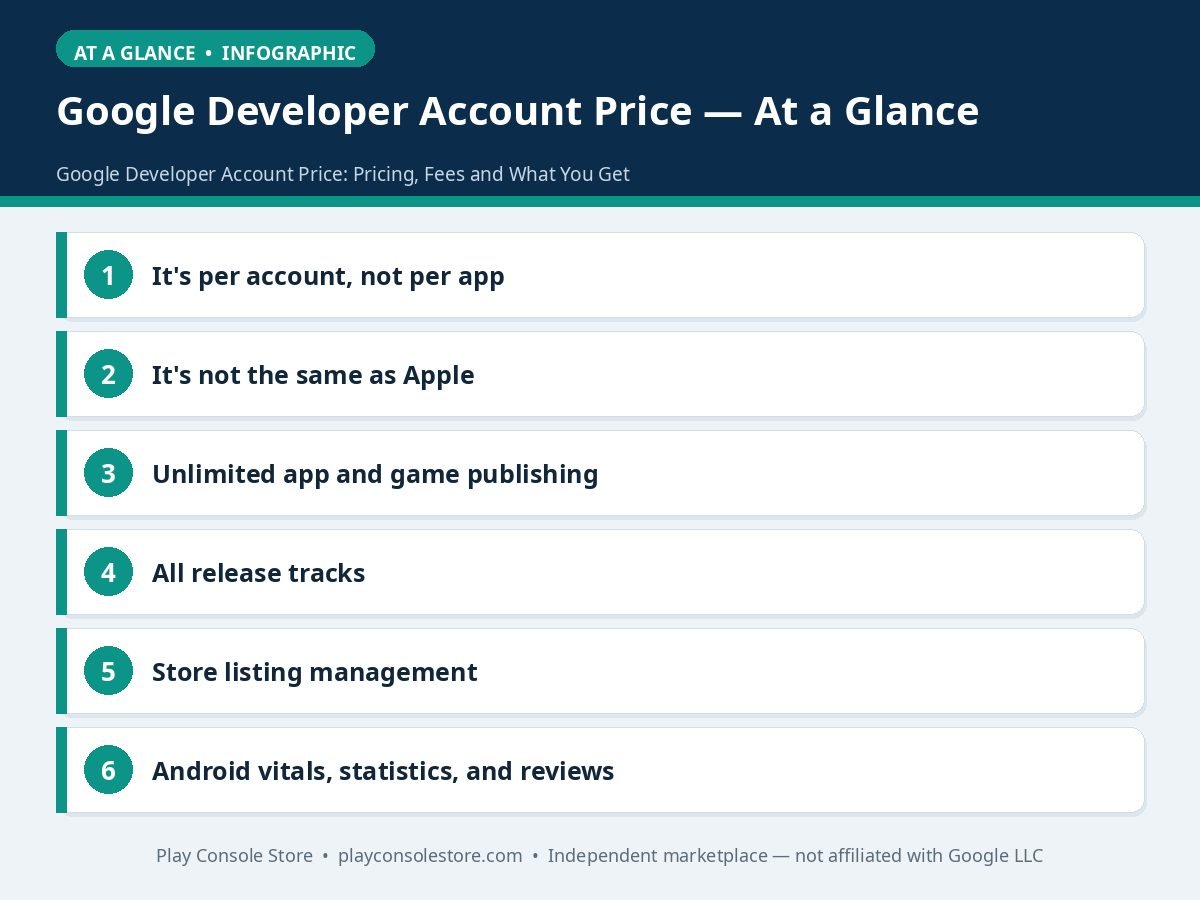
It’s a one-time $25 USD fee per developer account. It never renews, unlike Apple’s $99/year Developer Program. Once paid, your account stays active indefinitely as long as you comply with Google Play policies.
No hidden registration fees, but monetized apps pay Google Play service fees: 15% on the first $1M of annual earnings (30% above that), and 15% on subscriptions. You also need complete tax forms before payouts begin.
No. The Google developer account price is $25 for both personal and organization accounts. Organizations face stricter verification (D-U-N-S number, business documents), which costs time rather than money.
No. The fee is non-refundable, even if your identity verification fails or you never publish an app. Make sure your documents are in order before you pay — re-check the ID and business-document requirements above first.
Google charges $25 once; Apple charges $99 every year. Over five years, that’s $25 vs. $495 in registration costs alone. Google’s 15%/30% service fee structure is broadly comparable to Apple’s.
The Google developer account price is simple — $25, once, forever — but a smart launch budget looks past the sticker. Factor in the 15% service fee on your expected revenue, sort your tax paperwork early, and give yourself calendar time for verification and the 14-day closed testing requirement. Do that, and there will be no financial surprises between signup and your first production release.
Play Console Store is an independent marketplace helping Android developers with Play Console setup, identity verification, closed testing coordination, and policy compliance — so your launch stays on budget and on schedule. Explore our Google Play services to get started.