

November 12, 2026

A Google Play developer company account (the organization account type) is how businesses publish on Google Play under their brand — with the company name on listings, team-based access, and a verification record tied to the legal entity. It’s also the account type with the most demanding setup: D-U-N-S numbers, business documents, and exact-match verification. This guide walks companies through the entire setup: preparation, registration, verification, team structuring, and the compliance obligations that come with publishing as a business.
In short: A Google Play developer company account is the organization account type: your company name on listings, team-based access, and verification tied to the legal entity via a D-U-N-S number and business documents. Expect 2–6 weeks from decision to first production release, including 1–3 weeks of Google verification and 14 days of closed testing with 12+ testers.
Publishing company apps under a personal developer account is a common early mistake with lasting costs: the listing shows an individual’s legal name, the account dies with the employee who registered it, and client/policy liability attaches to a person instead of the business. The company account fixes all of this:
The tradeoff is setup effort: expect 2–6 weeks from decision to first production release (verification + 14-day testing). Plan accordingly — our pre-signup checklist helps you start prepared.

1. Get the D-U-N-S number. Request from Dun & Bradstreet immediately — standard issuance takes up to 30 days; expedited service costs ~$229. This is the longest lead item; everything else waits on it.
2. Reconcile your records. The legal name and address on the D-U-N-S record must match your business registration documents character for character. Pull both, compare “Inc.” vs “Incorporated”, “St.” vs “Street”, suite numbers — fix discrepancies at the source (D&B or your filings) before submitting to Google.
3. Prepare the website. It must be live, clearly belong to the business, and display the matching business name and contact details. A parked domain or mismatched branding fails verification.
4. Choose the owner identity. A company-controlled Google account — ideally a Google Workspace account administered by IT, not a founder’s personal Gmail. Secure it with 2-step verification and current recovery contacts before registration.
5. Assemble documents. Business registration/incorporation certificate, plus whatever ties the registering representative to the company. Have clear scans ready.
Timeline: 1–3 weeks for manual review. Track status under Setup → Developer account. If rejected, the notice names the issue — fix exactly that item and resubmit.
Common company failures: D-U-N-S/name drift (fix at the source), website not clearly the business’s, representative authorization questions, and registering before the D-U-N-S record is fully active in Dun & Bradstreet’s database (new numbers can take days to propagate — verify the record is queryable first).
The table below summarises the registration steps and timeline described above:
| Step | Detail |
|---|---|
| Register | At play.google.com/console/signup as the owner identity; select the organization account type |
| Enter details | Legal entity name and address exactly as in the D-U-N-S record |
| Submit | D-U-N-S number, business documents, and website |
| Pay and accept | Pay the $25 one-time fee and accept the Developer Distribution Agreement |
| Complete profile | Company developer name, support email, physical address — all public on listings |
| Review timeline | 1–3 weeks for manual review; status under Setup → Developer account |
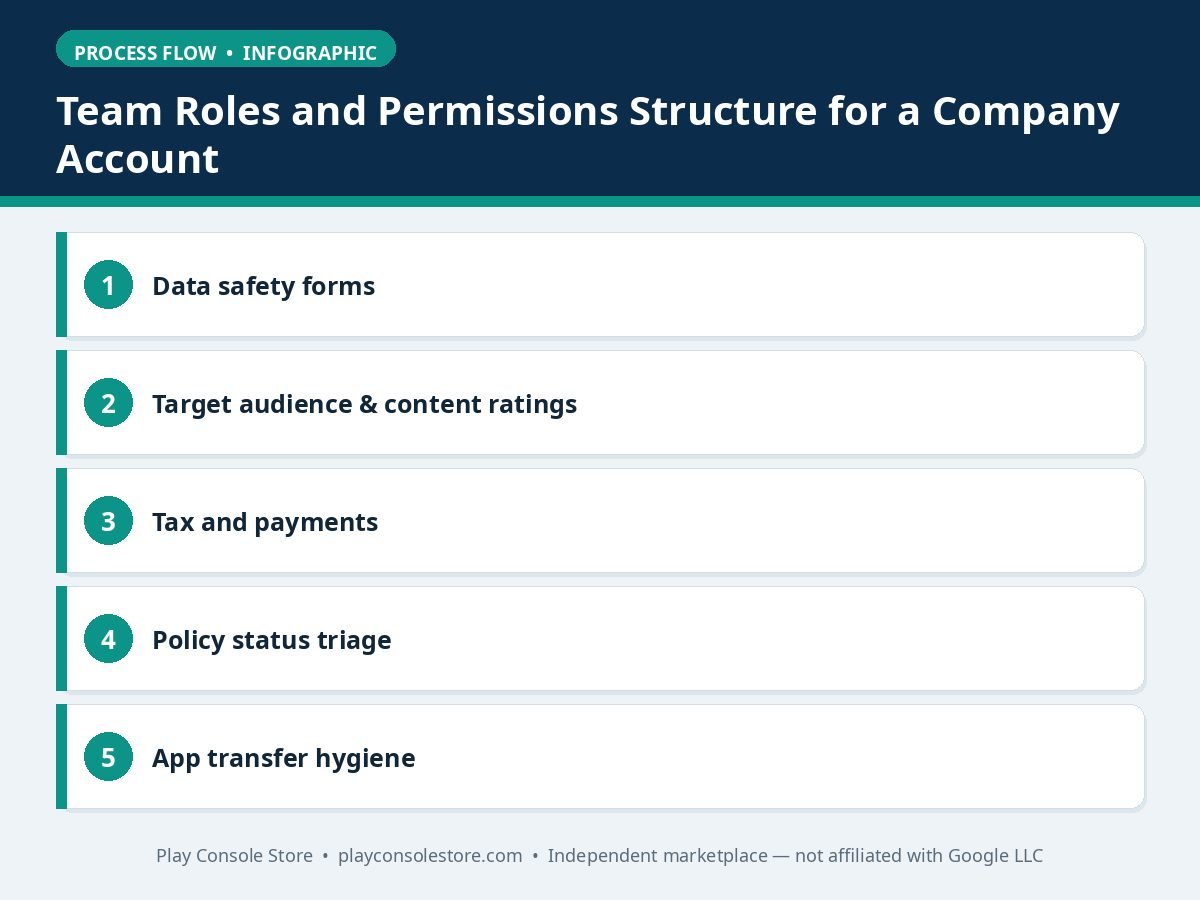
Once verified, structure access before publishing anything:
Never share the owner login. Every human gets an individual invite; every automation gets a service account.
The table below summarises the team roles described above:
| Role | Who / responsibility stated in the guide |
|---|---|
| Admin | IT/leadership; two admins minimum on company-controlled accounts |
| Release Manager | Engineering leads |
| Marketing | Store listing, experiments |
| Finance | Payments, payouts |
| Support | Reviews |
Google’s company-relevant documentation: the Play Console Help Center.
One company account, many apps — here’s how to run a portfolio without the chaos.
Standardize the app template. Every new listing should start from a documented baseline: notification preferences, tester list conventions, target audience defaults, data safety review process, and release checklist. New apps inherit the template; deviations get reviewed. This turns each launch from a bespoke project into a repeatable operation.
Per-app permissions discipline. Under Setup → Users & permissions, scope team members to the apps they work on. Contractors see their app, not the fleet. This limits blast radius: a compromised contractor account or a well-meaning mistake affects one listing, not twenty.
Portfolio-level policy monitoring. Strikes accumulate at the account level across apps, so monitor accordingly: a weekly sweep of Policy status across all apps, not just the flagship. The app you ignore is the one that generates the strike endangering the portfolio.
Shared services, separated data. License tester lists, API service accounts, and CI pipelines can be shared across apps — but keep per-app analytics, tester cohorts, and release calendars separate. Shared tooling with separated data is the efficient frontier.
Acquisition hygiene. Acquiring apps into the company account? Use the official app transfer flow per app, and diligence the incoming app’s policy history first — strikes transfer with the app. Quarantine newly acquired apps (separate permissions, heightened monitoring) for the first quarter until their behavior is verified.
It’s the organization account type: a $25, identity-verified publishing account registered to a legal business entity — verified via D-U-N-S number, business registration documents, and a company website — displaying the company name on listings and supporting team-based access with granular roles.
2–6 weeks realistically: D-U-N-S issuance (up to 30 days standard, so request it first), 1–3 weeks of Google verification, then the 14-day closed testing rule before the first production release. Expediting D-U-N-S (~$229) compresses the front end; overlapping preparation with waiting time compresses the rest.
Technically possible, but one account is the right answer in nearly all cases — it holds unlimited apps with per-app statistics and permissions. Multiple accounts multiply verification work and attract scrutiny of linked accounts, and termination-evasion across accounts gets all of them terminated.
A company-controlled Google account — preferably Google Workspace administered by IT, never a founder’s personal Gmail. Add a second admin immediately after verification. Ownership continuity is an IT asset-management concern: accounts must survive any individual’s departure without drama.
Yes — it’s mandatory for organization verification, alongside business registration documents and a verifiable company website. The D-U-N-S legal name and address must match your filings exactly, so reconcile abbreviations and suffixes before submitting, and request the number early.
Each client owns their own organization account; the agency is invited as a user with appropriate roles (typically Release Manager or Admin, scoped per app). This keeps policy liability with the app’s legal owner, lets engagements end cleanly by revoking access, and prevents one client’s strike from touching the agency’s other work.
The Google Play developer company account demands more upfront — D-U-N-S, documents, exact-match verification, deliberate team structure — and repays it with brand credibility, continuity, and clean liability. Start the D-U-N-S request today, reconcile every record before submitting, and build the two-admin, least-privilege access model from day one.
Play Console Store is an independent marketplace that helps companies get this right: verification preparation, account setup, team access structuring, closed testing coordination, and ongoing compliance. Explore our Google Play services.