

November 9, 2026

If you’ve searched for “Android Market console” and landed here confused, you’re not alone — and you’re not wrong. Android Market was the original name of Google’s app store, rebranded to Google Play in March 2012. The “Android Market console” was simply what developers called the publishing dashboard back then. Today, that dashboard is Google Play Console, and this guide explains the history, what changed, and what those old tutorials you found actually mean now.
In short: Android Market was Google’s original app store, rebranded as Google Play in March 2012, and its developer dashboard became Google Play Console. There is no separate Android Market console today — use play.google.com/console, pay the $25 one-time fee, and follow the modern publishing process, including 14 days of closed testing with 12 testers for new personal accounts. If you’re starting fresh, read our complete Google Play Console guide.
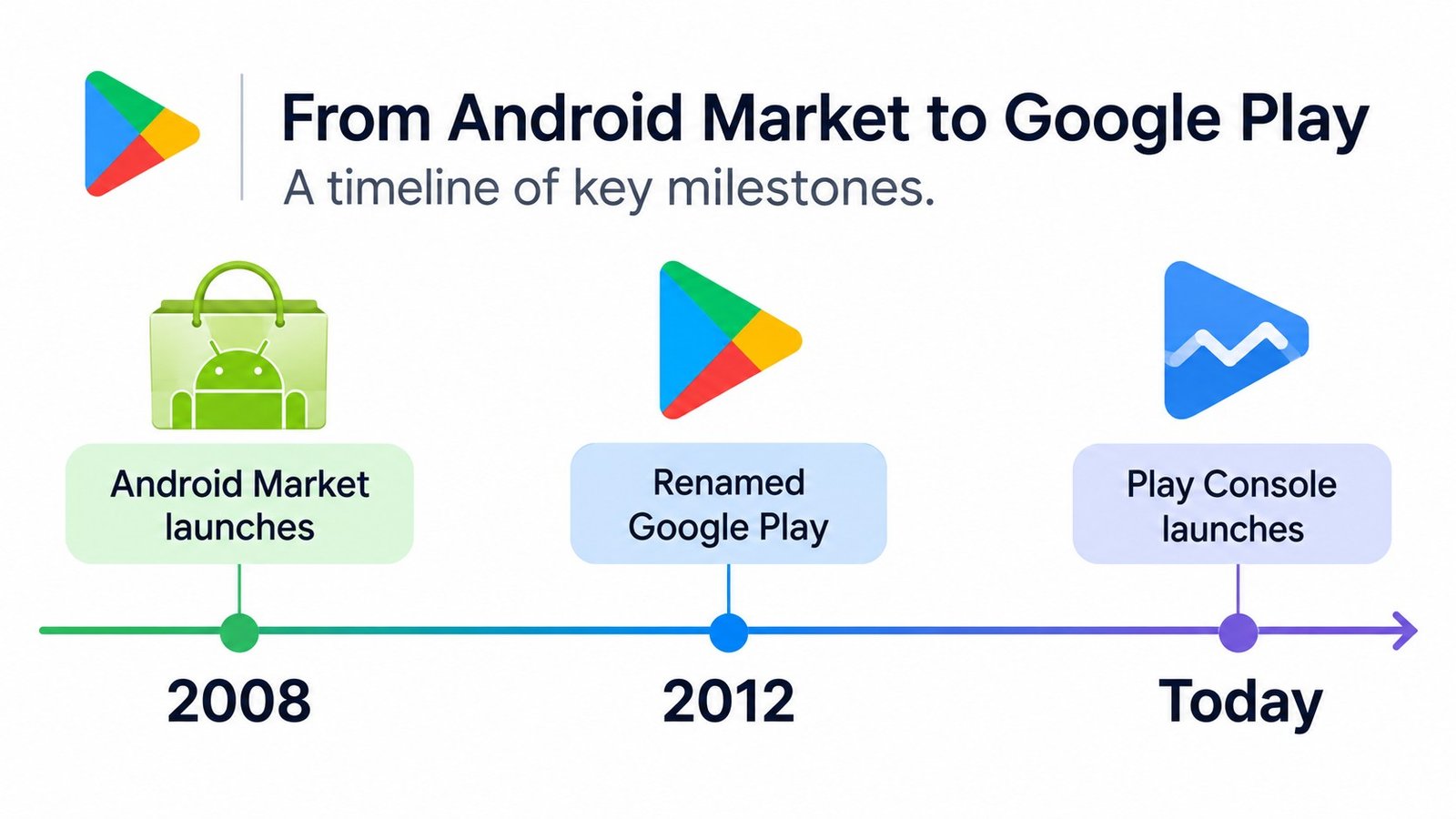
Android Market launched in October 2008 alongside the first Android phone, the T-Mobile G1. For nearly four years, it was where Android users bought apps and where developers published them through a web dashboard developers casually called the “market console.”
In March 2012, Google rebranded Android Market to Google Play (specifically “Google Play Store” for the storefront), folding in Google Music and the Android Market into one entertainment hub. The developer dashboard became Google Play Console — same lineage, new name, vastly expanded capabilities.
Why this matters: thousands of old blog posts, forum answers, and Stack Overflow threads still say “Android Market.” When you read them, mentally substitute “Google Play” and “Play Console” — the concepts transfer, but the UI paths and policies have changed enormously.
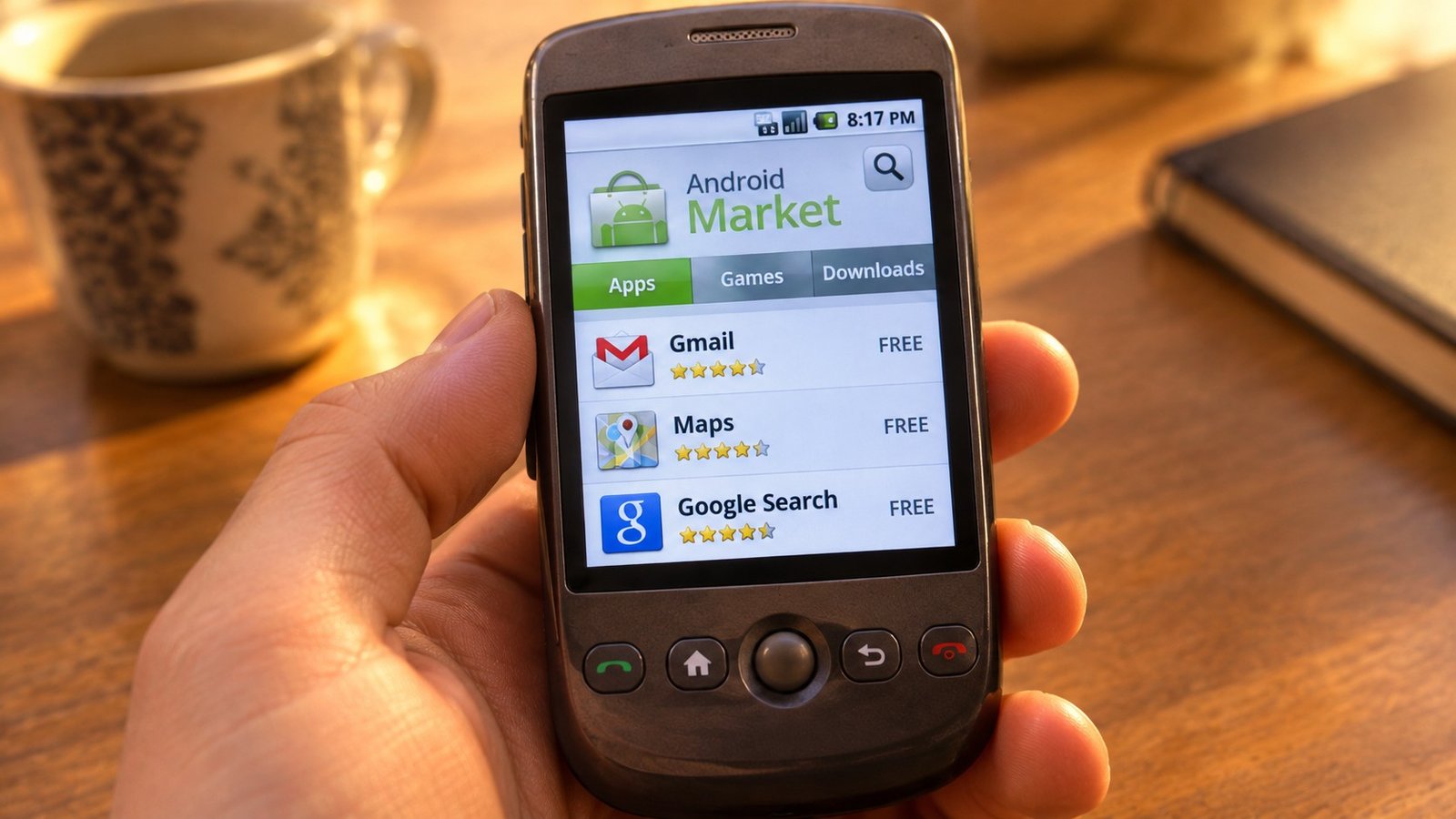
The 2010-era publishing dashboard was primitive by modern standards:
The trade-off: publishing is slower and more demanding, but the ecosystem is dramatically healthier — less malware, fewer scam apps, and real tools for professional release management. Developers who learned on the old console often underestimate how much process the modern one requires. Budget weeks, not hours, for your first publish.
Found a tutorial mentioning the Android Market console? Here’s your translation cheat sheet:
| Old term | Modern equivalent |
|---|---|
| Android Market console / Developer Console | Google Play Console (play.google.com/console) |
| Publishing an APK | Uploading an Android App Bundle (.aab) |
| Market listing | Store listing (Grow → Store presence) |
| Developer profile | Developer account + public developer page |
| Market comments | Play Store ratings and reviews |
Be cautious with anything pre-2015 about fees (the $25 registration has been constant, but payout structures changed), review times (there was effectively no review in the Market era), and policies (modern policy enforcement is far stricter — old “tricks” will get your account terminated today).
For the historically curious — and for anyone dating an old tutorial — here’s how the platform evolved:
Each change made publishing more demanding and the store healthier. Developers nostalgic for the Market era’s instant publishing should remember what came with it: rampant malware, copycat apps, and zero quality signal.
The table below summarises the key milestones in that timeline:
| When | Milestone |
|---|---|
| October 2008 | Android Market launches with the T-Mobile G1 |
| March 2012 | Android Market becomes Google Play Store; the developer dashboard becomes Google Play Console’s predecessor |
| 2013–2014 | Staged rollouts arrive; alpha/beta testing tracks formalize |
| 2021 | App Bundles become mandatory for new apps |
| 2023 | The 14-day closed testing requirement for new personal developer accounts launches |
The history isn’t just trivia — it explains why the modern console works the way it does:
You’ll keep encountering Android Market-era content because old pages accumulate backlinks and authority over decades. Google ranks them for historical queries, and they often outrank newer, better articles. Here’s how to extract value without getting burned:
What’s usually still valid: fundamental concepts (what a store listing is, how pricing tiers work, the idea of staged releases), business advice (portfolio strategy, review management philosophy), and the history itself (understanding why the platform looks the way it does).
What’s usually dangerously outdated: specific UI paths (every console redesign breaks them), fee and payout details, review timelines, API levels, testing requirements, and anything about policy — enforcement philosophy has inverted since the Market era.
Reading protocol for old tutorials:
Forget the history — here’s the modern path:
Our Play Console developer guide walks the dashboard itself, and our Google Play developer account guide covers registration in depth.
No. Android Market was rebranded to Google Play in March 2012. The store, the apps, and the developer console all carried over — only the name changed.
Effectively, yes — Google Play Console is the direct descendant of the dashboard developers used for Android Market. Same lineage, modernized beyond recognition.
No. Modern publishing requires App Bundles (not raw APKs), policy declarations, content ratings, data safety forms, and review. Old tutorials skip all of this and will leave your submission stuck.
They were written before the 2012 rebrand. The advice about concepts (listings, pricing, updates) often still applies; the specific UI paths and policies do not.
$25 one-time — the same fee Google Play Console charges today. It’s one of the few things that never changed.
For new apps, no — Google requires the Android App Bundle (.aab) format for all new submissions since 2021. APKs survive only for updates to very old existing apps. If a tutorial walks you through APK-only publishing, its process section is obsolete even if its concepts are sound.
The “Android Market console” is a ghost of Android’s early days — the direct ancestor of today’s Google Play Console. Understanding the history helps you decode old resources, but your energy belongs in the modern dashboard, with its testing tracks, staged rollouts, and policy framework.
Starting your publishing journey now? Play Console Store helps developers with Play Console setup, verification, closed testing, and compliance — the modern process, handled right. We’re an independent marketplace. Explore our Google Play services.