

November 21, 2026

“Play Market” is what billions of users call Google Play — and those users live in 190+ countries with different languages, currencies, devices, and expectations. The Play Market developer console (Google Play Console at play.google.com/console) gives you the machinery for global publishing: per-country distribution, localized listings, regional pricing, and device targeting. But machinery without strategy produces the classic failure — an English-only app launched “worldwide” that earns 90% of revenue from three countries while confusing everyone else.
This guide is the internationalization playbook: how country distribution works, building localized listings that convert, pricing across currencies, navigating regional policy differences, and the launch sequence for going global. For the core publishing pipeline, see our Play Store dev console guide.
In short: The Play Market developer console — Google Play Console — is your control room for publishing in 190+ countries: per-country distribution, localized listings, regional pricing and device targeting. Success abroad is a strategy, not a setting: expand in waves of 3–5 markets, transcreate listings rather than machine-translate them, price for local purchasing power, and staff support in every language you ship.
Console path: Release → Production → Countries/regions.
Google Play reaches 190+ countries, but your app isn’t automatically in all of them — you select distribution explicitly:
Pro move: use the Reach and devices report (Quality → Reach and devices) to see where your testers and early users actually are, then prioritize those countries for full localization.
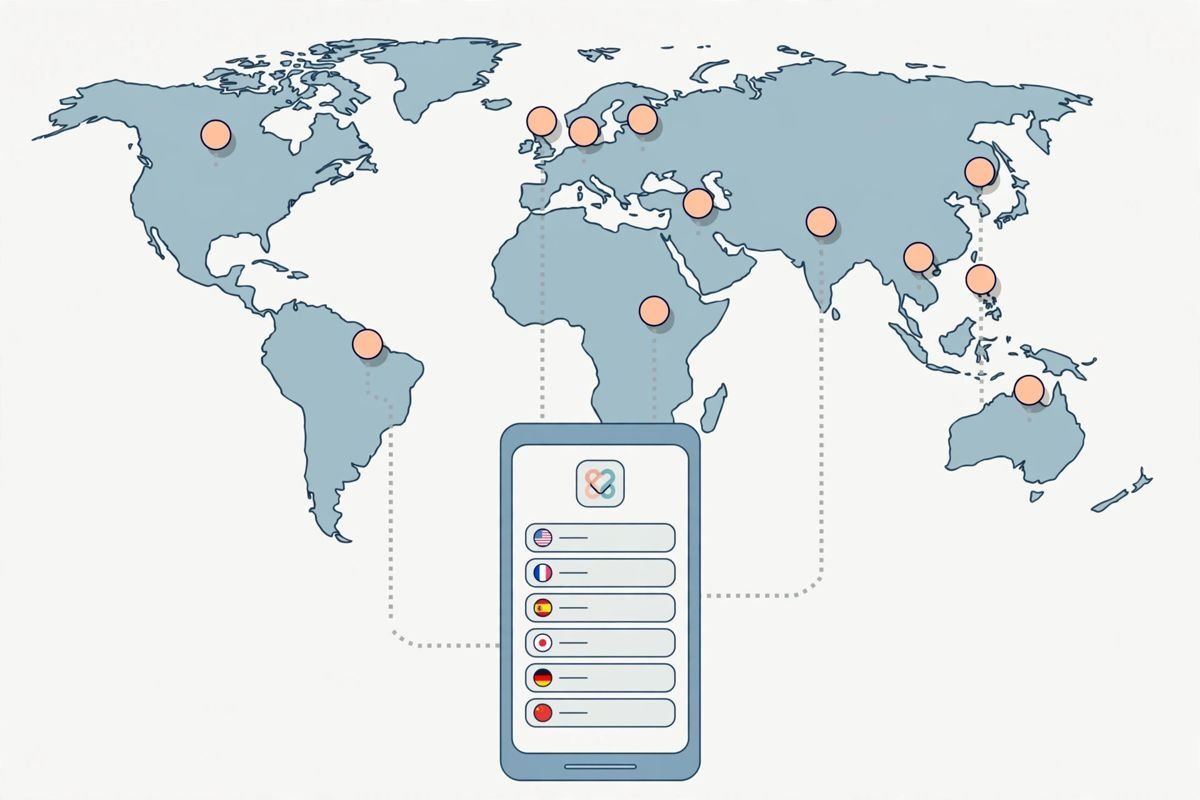
Console path: Grow → Store presence → Main store listing (per-language tabs) and Custom store listings.
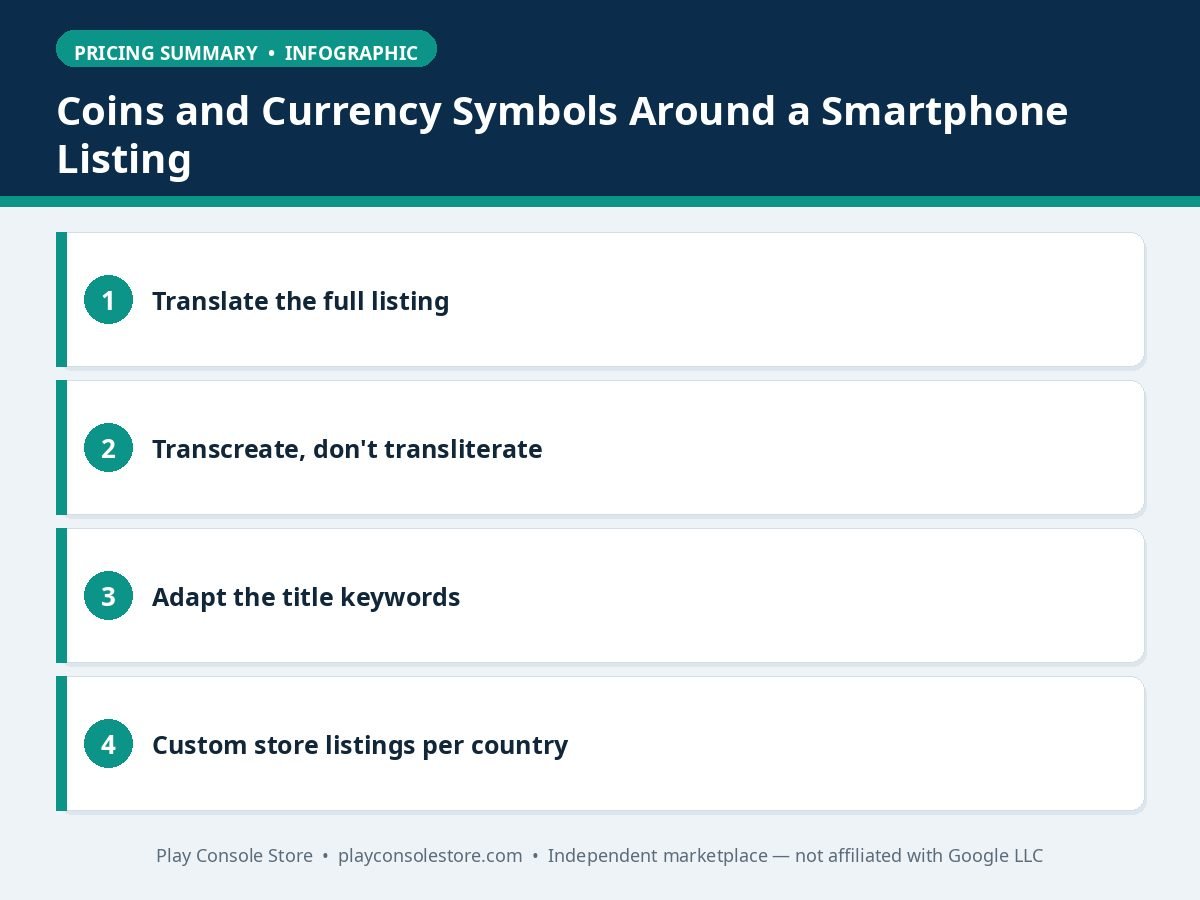
Translation alone doesn’t convert — transcreation does:
What not to do: machine-translate 40 languages on day one with no review. Broken listings convert worse than English and generate “translation is terrible” 1-star reviews in languages you can’t read. Quality over coverage — 5 excellent localizations beat 40 embarrassing ones.
Console path: Monetize → Products → Pricing templates.
The table below summarises the pricing considerations:
| Pricing element | Key point |
|---|---|
| Pricing templates | Define price points once and apply them across products and countries with automatic currency conversion, or use manual per-country pricing |
| Purchasing-power pricing | $4.99 feels very different in Switzerland vs. India; consider lower price tiers in emerging markets |
| Local payment methods | Carrier billing, e-wallets, and cash-voucher systems dominate in many markets where credit cards are rare |
| Tax-inclusive display | Many countries require VAT-inclusive pricing display |
| Currency fluctuation | Review converted prices periodically; a sensible price can become absurd after devaluation |
Global distribution means multi-jurisdictional compliance:
When expanding to a new region, run a policy pre-check: review that country’s specific Play policies in the Play Console Help Center before enabling distribution.
The table below summarises the regional compliance areas:
| Compliance area | Regional difference described |
|---|---|
| Age ratings | IARC questionnaire generates ESRB (US), PEGI (Europe), and other regional ratings, but some countries have additional requirements |
| Data protection | GDPR (EU), PDPA variants (Southeast Asia), and PIPL (China) impose consent and data-handling obligations |
| Content restrictions | Political content, dating features, alcohol references, and financial products face country-specific rules |
| Kids and families | COPPA in the US, GDPR-K in the EU, and equivalents elsewhere — comply with the strictest standard everywhere |
Support readiness is the hidden constraint: every new language is a support language. Either staff it, use excellent localized help content, or limit distribution until you can.
Global reach meets device reality — your app’s technical requirements should reflect regional device landscapes:
Regional device strategy turns “worldwide distribution” from a checkbox into a genuine market fit — and it’s visible in per-country vitals and ratings within weeks. For listing localization that matches, see our store listing optimization guide.
The Play Market developer console makes global publishing configurable — countries, languages, currencies — but winning internationally is strategic: expand in waves, transcreate listings per market, price for purchasing power, and staff support per language. Be genuinely local in the countries you’re in rather than thinly present in all of them.
Google Play supports 190+ countries, and you select distribution per app at Release → Production → Countries/regions. Paid apps have some country restrictions based on payment-method support. Start with 3–5 markets and expand in waves.
Yes for your top markets — but transcreate, don’t just translate: adapt messaging culturally, localize screenshots, and research local search keywords. Five excellent localizations outperform forty machine-translated ones that generate “bad translation” 1-star reviews.
Use pricing templates (Monetize → Products) with automatic currency conversion, plus manual per-country overrides for purchasing-power pricing. Lower tiers in emerging markets often grow volume enough to compensate — and reduce piracy-driven negative reviews.
Effectively yes — serve the strictest standard across your distribution (GDPR-level consent and data practices as the baseline). Your privacy policy and data safety declaration must hold up in every country you distribute to, not just your home market.
You’ve distributed to countries you haven’t localized or staffed for support. Either localize properly (listing, app strings, support) or narrow distribution until you can. Unreadable-to-you reviews still drag your global rating.
The Play Market developer console makes global publishing a configuration task — countries, languages, currencies, prices. But going global successfully is a strategy task: wave-based expansion, transcreated listings, purchasing-power pricing, and support readiness per market. The developers winning internationally aren’t in the most countries; they’re the most local in the countries they’re in.
Play Console Store is an independent marketplace helping Android developers with international publishing — localization strategy, regional pricing, and multi-country launches. Explore our Google Play services to take your app global properly.