
Google Console App: Is There a Mobile App?

Play Console Store team

November 26, 2026

Share:

Table of Contents

Estimated progress
Interactive Guide

Search for a Google console app and you’ll find a confusing mess: third-party apps claiming to be the “Play Console app,” outdated forum threads, and APK download sites offering “official” clients. Here’s the definitive answer for 2026: Google does not publish an official Play Console mobile app — not for Android, not for iOS. This guide explains what actually exists for mobile access, which “console apps” are dangerous fakes, and how to run your publishing workflow safely from your phone.

In short: Google publishes no official Play Console mobile app for Android or iOS — the console is web-only at play.google.com/console. Any app calling itself the console app is third-party or fake, and some harvest credentials. Use your mobile browser for reviews, vitals and inbox checks, and save releases, declarations and listing edits for a desktop.

The Short Answer: No Official Google Console App Exists

Google Play Console is a web application at play.google.com/console. Google has never released a native mobile client for it, and there is no indication one is coming. This surprises developers because nearly every other Google service (Gmail, Drive, Analytics, AdMob) has a polished mobile app — but Play Console, with its complex release workflows and policy declarations, remains desktop-web-first.

What this means in practice:
  • Any app in the Play Store calling itself “Play Console,” “Developer Console,” or “Google Console App” is third-party or fake — not from Google.
  • Google’s official developer documentation never references a console mobile app; all workflows are documented for the web interface in the Play Console help center.
  • If someone DMs you an APK of the “official console app,” it’s malware or a credential harvester. Delete it.
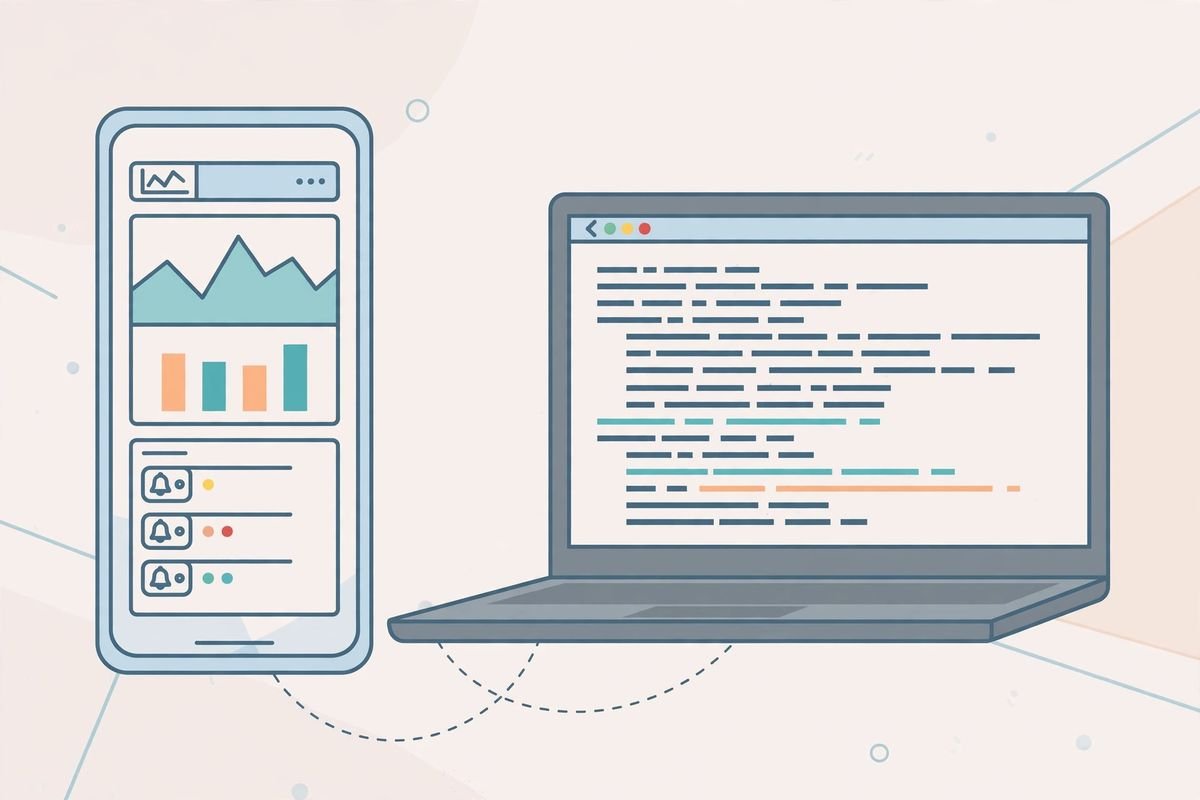
google console app — Mobile monitoring dashboard next to desktop console
Mobile monitoring dashboard next to desktop console

The Fake “Console Apps” to Avoid

The Play Store and sideloading sites host several categories of fakes trading on this exact search:

  1. Credential harvesters. Apps with convincing Play Console branding whose “login” screen sends your Google credentials to a thief. With your developer account compromised, attackers can push malicious updates to your apps — this is an account-takeover vector, not just a privacy issue.
  2. WebView wrappers. Lazy apps that are just an embedded browser pointed at play.google.com/console, padded with ads and analytics SDKs. Not exactly malware, but you’re granting an unknown middleman full session access to your developer account for zero benefit — just use your browser.
  3. “Console companion” utilities promising push notifications for reviews or sales. Some are legitimate-ish notification forwarders, but they require your credentials or broad OAuth scopes. The risk/reward is poor when the mobile web covers the same ground.
  4. Outright clones on third-party APK sites, often bundled with spyware. Never sideload anything claiming to be a Google console app.

The rule: if it’s not at play.google.com/console in your own browser, it’s not the console. Check the developer name on any suspicious listing — Google’s official apps are published by “Google LLC,” and Google LLC publishes no console app.

The table below summarises the main fake types described above:

Fake typeWhat it is / the risk
Credential harvestersConvincing Play Console branding whose “login” screen sends your Google credentials to a thief — an account-takeover vector
WebView wrappersJust an embedded browser pointed at play.google.com/console, padded with ads and analytics SDKs, granting an unknown middleman full session access
“Console companion” utilitiesPromise push notifications for reviews or sales, but require your credentials or broad OAuth scopes
Outright clonesFound on third-party APK sites, often bundled with spyware

What You CAN Do on Mobile: The Real Workflows

No native app doesn’t mean no mobile access. The Play Console web app works in mobile browsers, and several workflows are genuinely practical on a phone:

Works well on mobile

  • Review monitoring and replies (Grow → Reviews). Reading and replying to reviews is arguably better on mobile — quick, personal, and timely. Fast review responses measurably improve ratings.
  • Vitals glances (Quality → Android vitals). Checking crash-rate trends during a rollout from your phone is exactly the kind of monitoring mobile suits.
  • Inbox and policy notices. Reading Google’s messages and declaration deadlines on the go keeps you responsive.
  • Statistics dashboards. Install and revenue trends are readable on a phone screen.

Use a desktop for these

  • Creating releases and uploading bundles. The multi-step release flow, with its validation errors and track configuration, is miserable on a small screen and error-prone.
  • Policy declarations (data safety forms, content rating questionnaires). These are long, precise forms where a mis-tap has real consequences.
  • Store listing edits. Character limits, image dimensions, and multi-locale management demand a full screen.
  • Users and permissions changes. Admin work deserves deliberate, desktop attention.

Mobile browser tips

  • Use Chrome on Android signed into the correct profile — the console is tested primarily against Chrome.
  • Enable desktop site (⋮ → Desktop site) for complex pages; the responsive layout sometimes hides controls.
  • Don’t save the owner password in the phone’s autofill on shared devices.

The 80/20 rule for mobile console use: if the task is reading (reviews, vitals, inbox, stats), your phone is fine. If the task is writing (releases, declarations, listings, permissions), wait for a bigger screen. Developers who respect this boundary get the convenience without the mis-tap disasters — a wrongly toggled rollout percentage or a truncated data-safety answer can take weeks to unwind.

  • Bookmark play.google.com/console directly rather than searching each time (search results are where the fakes live).

The table below summarises which tasks suit mobile and which need a desktop:

TaskMobile or desktop
Review monitoring and repliesWorks well on mobile
Vitals glancesWorks well on mobile
Inbox and policy noticesWorks well on mobile
Statistics dashboardsWorks well on mobile
Creating releases and uploading bundlesUse a desktop
Policy declarationsUse a desktop
Store listing editsUse a desktop
Users and permissions changesUse a desktop

Setting Up Safe On-the-Go Monitoring

A practical mobile setup for a working developer:

  1. Bookmark the console in mobile Chrome, in the correct profile. One tap, no search, no fakes.
  2. Enable Play Console email notifications (Setup → Notifications on desktop) for reviews, vitals alerts, and policy updates — your phone’s email app becomes the notification layer Google never built.
  3. For teams: route notifications to a shared channel (Slack/Discord) so on-call developers see vitals spikes without anyone sharing logins.
  4. Use the Play Developer API for anything automated — server-side scripts can watch vitals and ping you, no phone app required.

Tablets deserve a mention: on a 10″+ tablet with a keyboard, the full web console is genuinely usable — Chrome on Android tablets renders the desktop layout well enough for releases and declarations in a pinch. It’s the closest thing to the console app that doesn’t exist, and unlike sideloaded fakes, it’s just the real site. If you travel frequently, a small tablet with a keyboard folio covers most console work without carrying a laptop.

This gives you 90% of what a hypothetical official app would do, with none of the credential risk.

If You Need Desktop Power Away From Your Desk

For the workflows that genuinely need a desktop (releases, declarations, listing edits), traveling developers have options:

  • Chrome Remote Desktop to your home/office machine — full console access from a phone or tablet in a pinch.
  • A lightweight laptop or Chromebook — the console runs fine on modest hardware; it’s a web app.
  • Never use hotel business-center PCs or borrowed laptops for console work. Keyloggers on shared machines plus your developer credentials equals compromised apps.

Our Play Console mobile management guide goes deeper into running publishing from your phone day to day.

Why Google Never Built One: The Practical Reasons

Understanding why there’s no Google console app helps you stop waiting for one:

  • Workflow complexity. Releasing an app involves bundle validation, track configuration, staged rollout percentages, declaration forms, and multi-locale listings — a workflow designed for wide screens and precise input, not thumbs.
  • Security posture. A native app holding persistent developer-account sessions on easily lost phones would be a prime attack target. The web’s session model, combined with 2-step verification, is easier for Google to secure uniformly.
  • Audience size. Play Console has millions of users, but the subset needing native-mobile publishing power is small — most developers do releases at a desk. Google invested instead in making the web console responsive.
  • API-first direction. Google’s actual “mobile/automation” investment is the Play Developer API: programmatic uploads, releases, and review management that teams wire into CI/CD. That’s the power-user path, and it’s platform-agnostic.

None of this is likely to change. Treat the web console + notifications as the permanent setup and build your workflows around it.
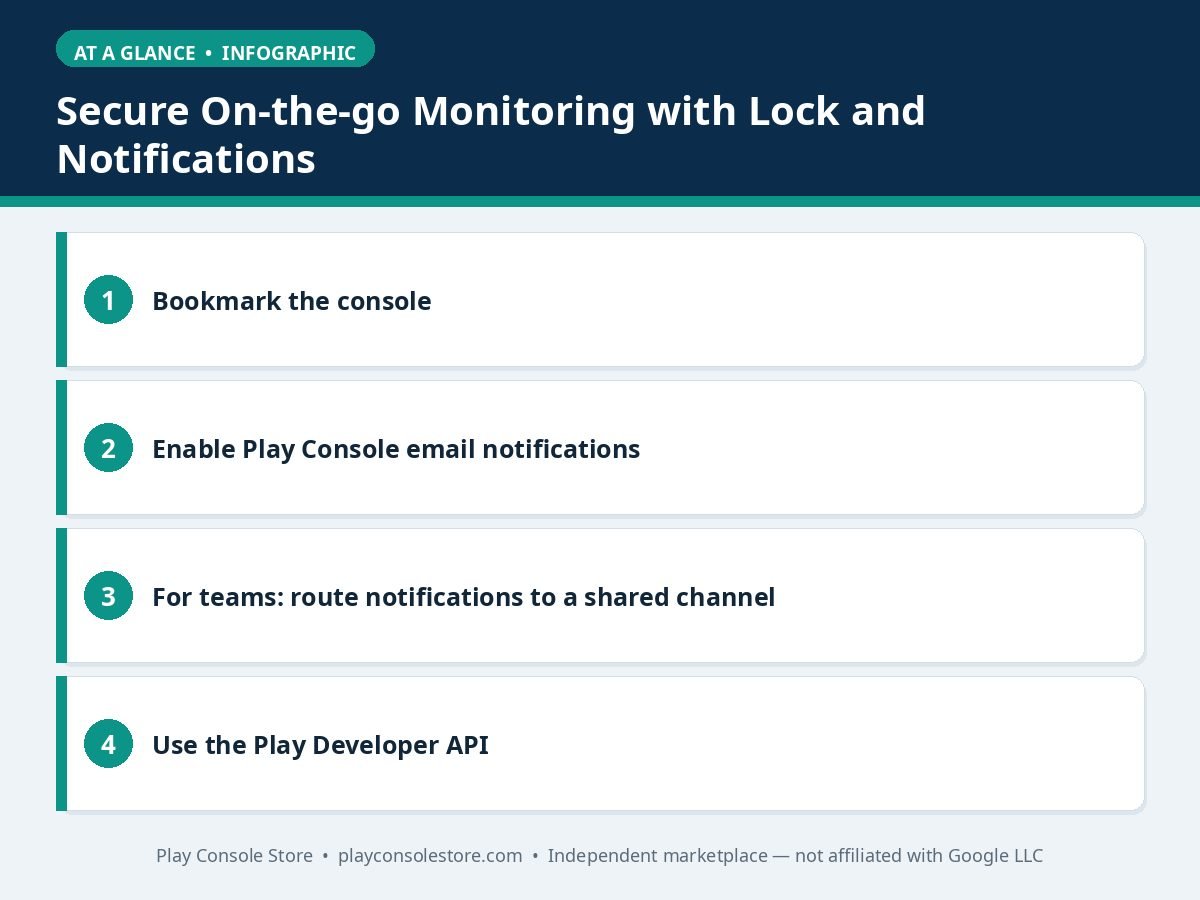
google console app infographic — secure on-the-go monitoring with lock and notifications
Secure on-the-go monitoring with lock and notifications

Frequently Asked Questions

Is there an official Google console app for Android?

No. Google publishes no official Play Console mobile app for Android or iOS. The console is web-only at play.google.com/console. Apps claiming otherwise are third-party or malicious.

Can I manage my Play Console account from my phone?

Yes, via your mobile browser at play.google.com/console. Reviews, vitals, inbox, and statistics work well on mobile; releases, policy declarations, and listing edits are best done on desktop.

I found a “Play Console” app in the Play Store — is it safe?

No — it’s not from Google (check the developer name; Google LLC publishes no console app). At best it’s an ad-filled web wrapper; at worst it’s a credential harvester. Uninstall it and use your browser.

Does Google plan to release a console mobile app?

Google has never announced one, and the console’s complexity makes a full-featured mobile client unlikely. The mobile web experience plus email notifications covers the realistic on-the-go needs.

How do I get review notifications on my phone without an app?

Enable email notifications at Setup → Notifications in Play Console (on desktop). New reviews, vitals alerts, and policy messages arrive by email, which your phone already handles perfectly.

Conclusion

The Google console app you want doesn’t exist — and the ones pretending to be it are the actual danger. The good news: between the mobile-friendly web console, email notifications, and a sensible division of phone-vs-desktop workflows, you can monitor and manage your apps from anywhere without ever typing your credentials into a stranger’s app. Bookmark the real console, skip the fakes, and keep the heavy work on a desktop.

Play Console Store is an independent marketplace helping Android developers with Play Console setup, mobile publishing workflows, and account security. Get publishing help.

KNOWLEDGE BASE

Related Android Developer Field Manuals

Google Play Console Android Developers: API & Automation Guide

For Google Play Console Android developers who ship frequently, the web dashboard is only half the platform. The other half

Google Play Console App: The Mobile Workflow Manual

There’s no official Google Play Console app — but that doesn’t mean you’re chained to a desk. The mobile web

Play Store Admin: Guide, Tips and Best Practices

The money side of Play Store admin is where developers lose the most sleep: payments profiles, tax forms, payout thresholds,

Get notified when Google updates Play Console policies or SDK requirements.

Join 12,000+ Android developers who receive our quarterly policy diff summaries, rejection workarounds, and ready-to-use boilerplate releases.