

November 18, 2026

When a business publishes Android apps, the right move is a Google console developer account registered as an organization — not a founder’s personal account with the company name typed into the developer-name field. Organization accounts verify the legal entity (via D-U-N-S and business documents), display the company brand on every listing, and structure team access the way businesses actually operate. They also avoid the painful personal-to-organization migration that traps growing studios.
This guide is the company-focused playbook: when you need an organization account, the D-U-N-S and verification process in detail, how to structure teams and clients, tax and payments setup, and the governance practices that keep a business account healthy. For the general account overview, see our Google Play Console account guide.
In short: A business should register its Google console developer account as an organization, not a personal account: verification runs on the legal entity through a D-U-N-S number and business documents, the company brand appears on listings, and team access follows roles. Start the D-U-N-S request early — it can take up to 30 days — and expect one to three weeks for verification.
Register as an organization if any of these are true:
The trap to avoid: starting personal “because it’s faster” and planning to switch later. Google offers no conversion path from personal to organization. Switching means registering a new account, re-verifying, and migrating apps through a manual transfer process with review gates. Start as an organization if there’s any chance you’ll need it within two years.
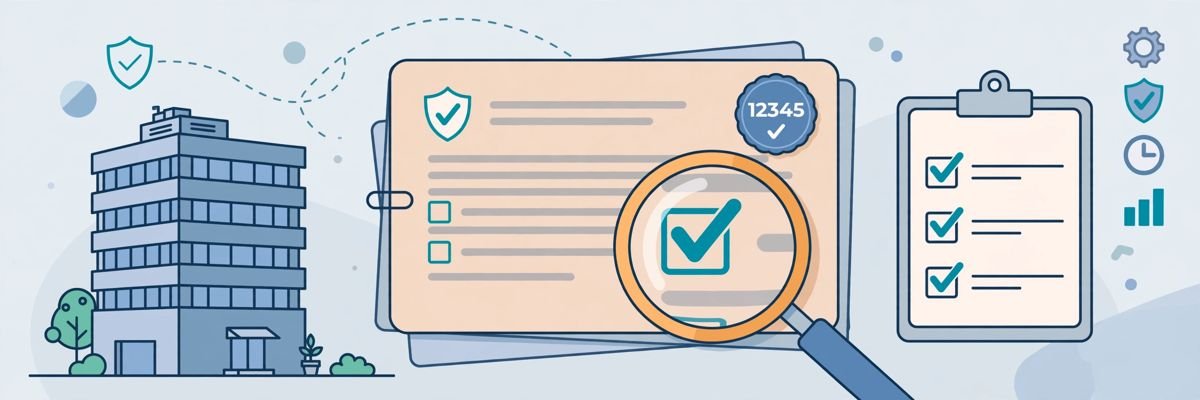
The D-U-N-S number (Data Universal Numbering System, issued by Dun & Bradstreet) is the anchor of organization verification. Google uses it to confirm your business is real and to match your legal name and address.
Your D&B record must match your business registration documents character-for-character. The most common organization verification failure is a mismatch: D&B says “Acme Limited, 12 High Street” while the certificate of incorporation says “Acme Ltd., 12 High St.” Update the D&B record before submitting to Google — resubmitting mismatched documents just burns weeks.
Start the D-U-N-S process before you need the account. It’s the longest step in organization registration, and everything else waits on it.
With D-U-N-S in hand, at play.google.com/console/signup:
Timeline: 1–3 weeks from submission is typical. Rejections name the specific issue — fix exactly that before resubmitting. Our verification deep-dive covers all ten common rejection reasons.
Organization accounts shine at team management. Set this up on day one:
For the full permission system, see our team and permissions guide.
The table below summarises how to structure teams on a company account:
| Area | Guidance from this guide |
|---|---|
| Ownership | Use a durable company-controlled Google account, ideally a Google Workspace account, not a founder’s personal Gmail |
| Admins | 2–3 trusted admins (CTO, lead developer, operations); Admin is the only role that manages users |
| Roles by function | Release managers for engineers, Marketing for ASO staff, Support for customer service, Finance for accounting, with app-level scoping |
| Contractor hygiene | Invite with expiry dates tied to contracts, remove within 24 hours of offboarding, audit the user list quarterly |
| Client separation (agencies) | Clients own their own organisation accounts with you as an invited user; never publish client apps on your agency’s account |
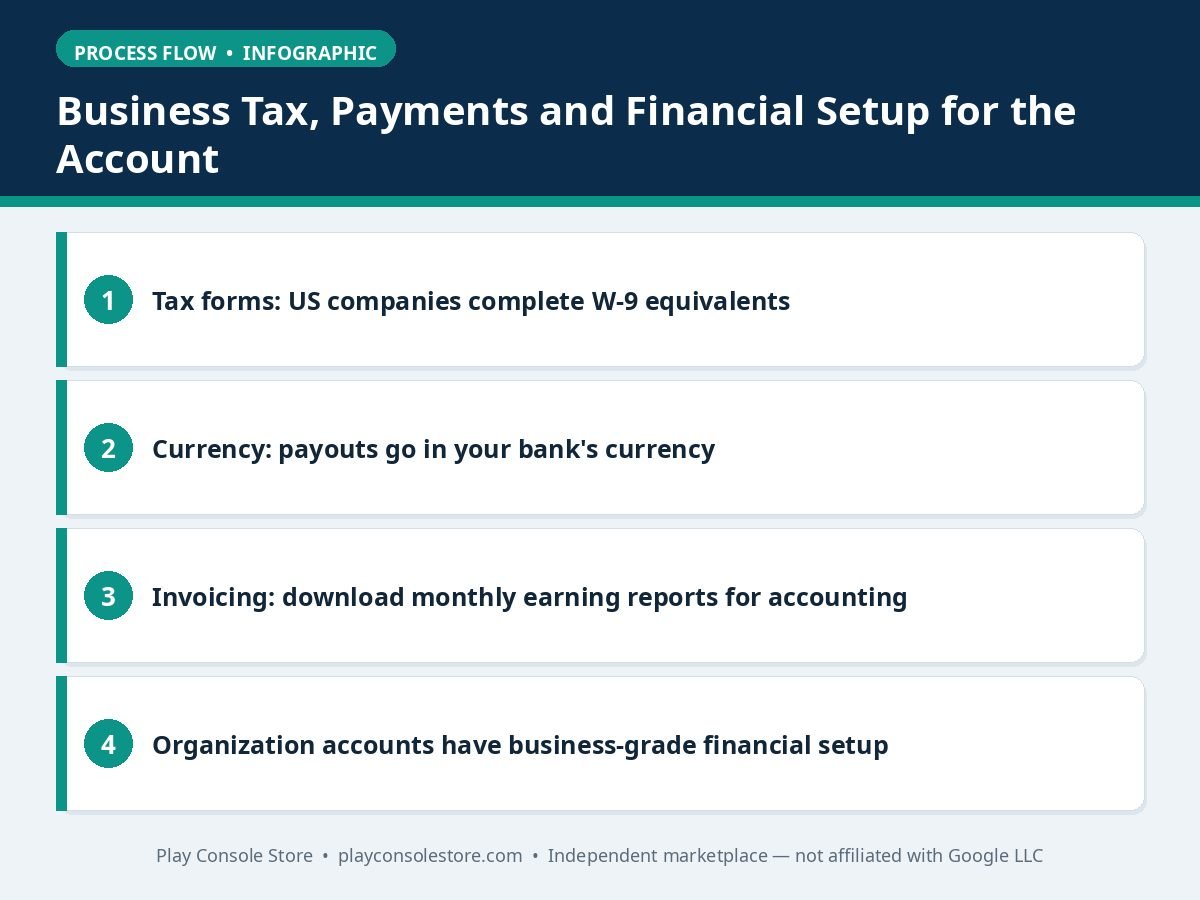
Organization accounts have business-grade financial setup:
Keep business details current: if the company moves, renames, or restructures, update both the D&B record and the Play Console account details. Stale records trigger re-verification at the worst times.
Businesses evolve, and your developer account must keep up — carefully, because Google treats entity changes as potential account-takeover signals:
Document every change with dates: verification events reference your history, and a clean paper trail makes re-verification dramatically smoother. Our account recovery guide covers the access-continuity side.
The table below summarises how to handle each type of company change:
| Change | What to do |
|---|---|
| Rebrand (same legal entity) | Update the developer name (Setup → Developer account → Details) and the D&B record; listings update after a short review |
| Legal entity change (new company) | Update D&B, submit new business documents, and expect re-verification; plan for 2–4 weeks |
| Acquisition | The acquiring company establishes its own organisation account and transfers apps through Google’s app transfer process |
| Founder departure | Ensure admin continuity before the departure — remove their user, rotate API keys they held, and confirm the owning Google account remains company-controlled |
Google’s official organization requirements are documented in the Play Console Help Center.
A Google console developer account registered as an organization is the right foundation for any business: verified company identity, brand on listings, proper team roles, and clean ownership for the long term. Start the D-U-N-S process early, match every document exactly, and structure teams with least privilege from day one. The patience verification requires pays back in credibility.
Yes — organization accounts require a D-U-N-S number for verification, with no exceptions. Request one free at dnb.com (allow up to 30 days standard). Your D&B legal name and address must exactly match your business registration documents.
No — Google provides no conversion path. You must register a new organization account and migrate apps through the transfer process. If you’re a business on a personal account, start the organization registration now rather than later.
A durable company-controlled Google account (ideally Google Workspace), not any individual’s personal Gmail. Complement it with 2–3 admin users so the account survives personnel changes.
Typically 1–3 weeks after submission, plus D-U-N-S acquisition time (up to 30 days if you don’t have one). Clean, matching documents on the first submission are the difference between days and months.
No. Each client should own their own organization account; the agency works as an invited user. This isolates policy risk — one client’s violation must never threaten another client’s apps or the agency’s own portfolio.
A Google console developer account registered as an organization is a business asset: verified company identity, brand on listings, proper team structure, and clean ownership for due diligence. The upfront cost is patience — D-U-N-S, documents, verification — but it eliminates the personal-account traps that ambush growing companies.
Play Console Store is an independent marketplace helping companies set up organization developer accounts — D-U-N-S guidance, verification preparation, and team structuring. Explore our Google Play services to get your business account right from day one.