

November 8, 2026

Most developers experience the Google Play dev console as a website they click through. Professional teams experience it as a programmable platform: releases shipped from CI, review replies automated, staged rollouts managed by scripts, and vitals piped into their own dashboards. This guide is for developers ready to move from clicking to engineering their publishing workflow — the Developer API, automation patterns, and advanced console tooling that separate hobbyist publishing from professional operations.
The Google Play dev console is two things: a web dashboard for judgment work and a Developer API for everything mechanical. Professional teams automate uploads, track promotions and staged rollouts from CI/CD, keep policy and listing decisions human, and monitor Android vitals like SLIs — shipping faster with fewer errors.
If you’re still setting up your account, start with our Google Play Console complete guide. This article is about what comes after.
The Google Play dev console has two interfaces to the same machinery:
The rule of thumb: humans do judgment work in the dashboard (policy, listings, review replies with nuance); machines do repetitive work through the API (uploads, track promotions, rollout monitoring). Teams that automate the mechanical half ship faster with fewer errors.
The table below summarises the two interfaces:
| Interface | What it is | Best for |
|---|---|---|
| Web dashboard (play.google.com/console) | Human-friendly and complete | Judgment work: policy declarations, listings, and review replies with nuance |
| Google Play Developer API | REST endpoints for everything mechanical | Repetitive work: uploads, track promotions, and rollout monitoring from CI/CD |
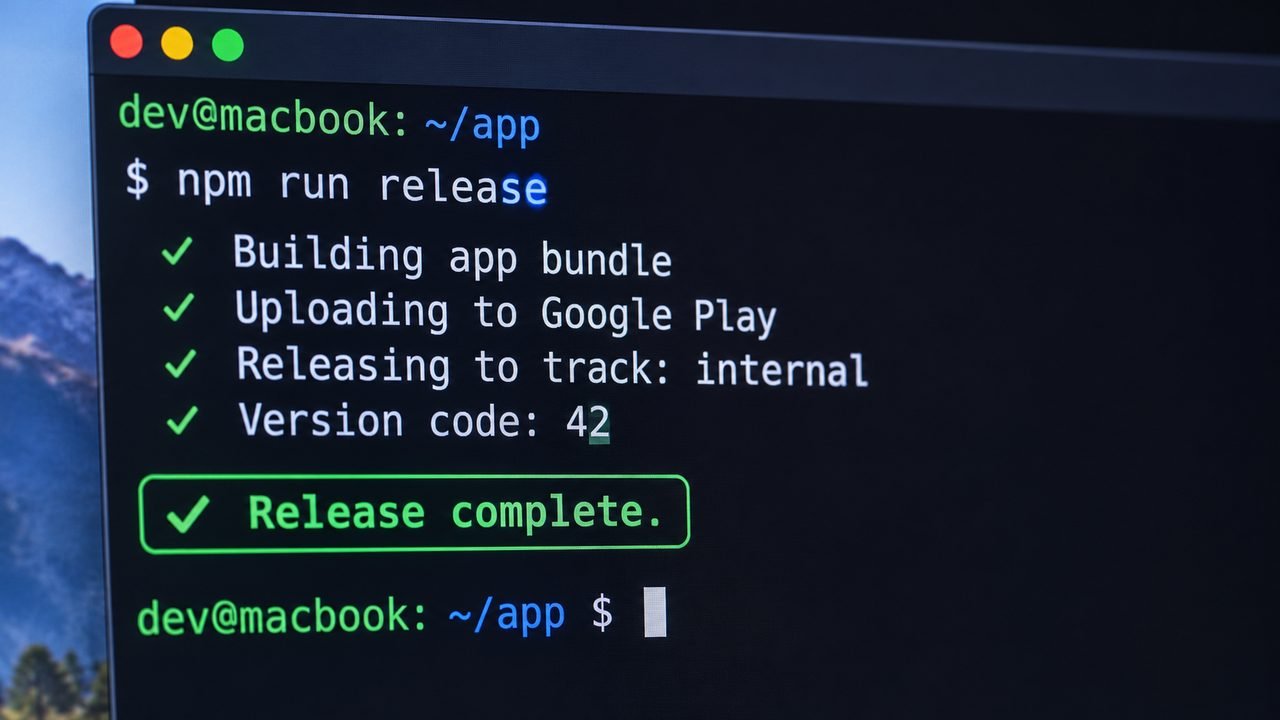
The core workflow is the Edits API: you create an edit (a transactional container), assign your bundle to a track, set the release notes and rollout fraction, then commit. The transaction model means a failed step rolls back cleanly instead of leaving a half-published release — a meaningful safety property manual clicking doesn’t give you.
Typical CI pipeline stages:
Policy declarations, content ratings, data safety forms, and store listing text changes with policy implications stay in the dashboard. Google deliberately keeps judgment calls human. Don’t try to script around this — it’s a compliance boundary, not a missing feature.
Beyond the standard four tracks, professional teams use tracks as environments:
Keep a release train: internal builds ship continuously, closed gets weekly candidates, production gets bi-weekly promoted builds. The discipline matters more than the tooling.
The dashboard lets you set a rollout percentage, but the real practice is:
Automate steps 1–4 with the API and a vitals check script. The Play Console dashboard guide covers the manual side of these same controls.
The API and dashboard both key off version codes (integers that must increase). Establish a scheme on day one — e.g., major * 1000000 + minor * 1000 + patch — and enforce it in CI. Version code collisions are a silly, common reason automated releases fail.
The table below summarises the track strategy for serious teams:
| Track | How professional teams use it |
|---|---|
| Internal | Every green build, auto-deployed — your QA team lives here |
| Closed | Release candidates with your beta community; also where the 14-day new-account requirement is satisfied |
| Open | Public beta for pre-launch feedback at scale |
| Production | Staged rollouts only, never 100% on day one |
Treat Google’s vitals as service-level indicators: crash-free sessions, ANR-free sessions, and excessive wakeups. Set your own thresholds stricter than Google’s bad-behavior lines — by the time Google flags you, discoverability damage is already done. Pipe vitals into your existing monitoring (the API exposes them) and alert on deltas after each release, not absolute values.
The API supports listing and replying to reviews. Sensible automations:
Reply latency matters: users who get a developer response within 24 hours update negative reviews far more often than those who wait a week.
The statistics API gives you installs, uninstalls, and ratings sliced by country, device, and version. Before every planning cycle, pull the data: which countries actually drive installs, which devices crash most, which versions users cling to. An hour with this data beats a week of opinionated debate.
Automation credentials are high-value targets. Non-negotiables:
Automation that ships to production needs the same rigor as your app code. Practices that keep CI-driven releases safe:
Google documents the API’s capabilities and quotas in the official Play Console developer documentation — worth reading end to end before you build anything serious on it.
Automation has a cost: someone must build the pipeline, maintain it through API changes, and debug it at 2 AM. For teams shipping weekly across multiple apps, that investment pays for itself in months. For a solo developer shipping monthly, the dashboard plus a good checklist is often the rational choice.
The middle path most teams actually take: automate uploads and track promotions (the highest-frequency, lowest-judgment tasks), keep production promotions manual with a two-person rule, and revisit the decision every six months as ship cadence changes. There’s no prize for maximum automation — only for releases that go smoothly.
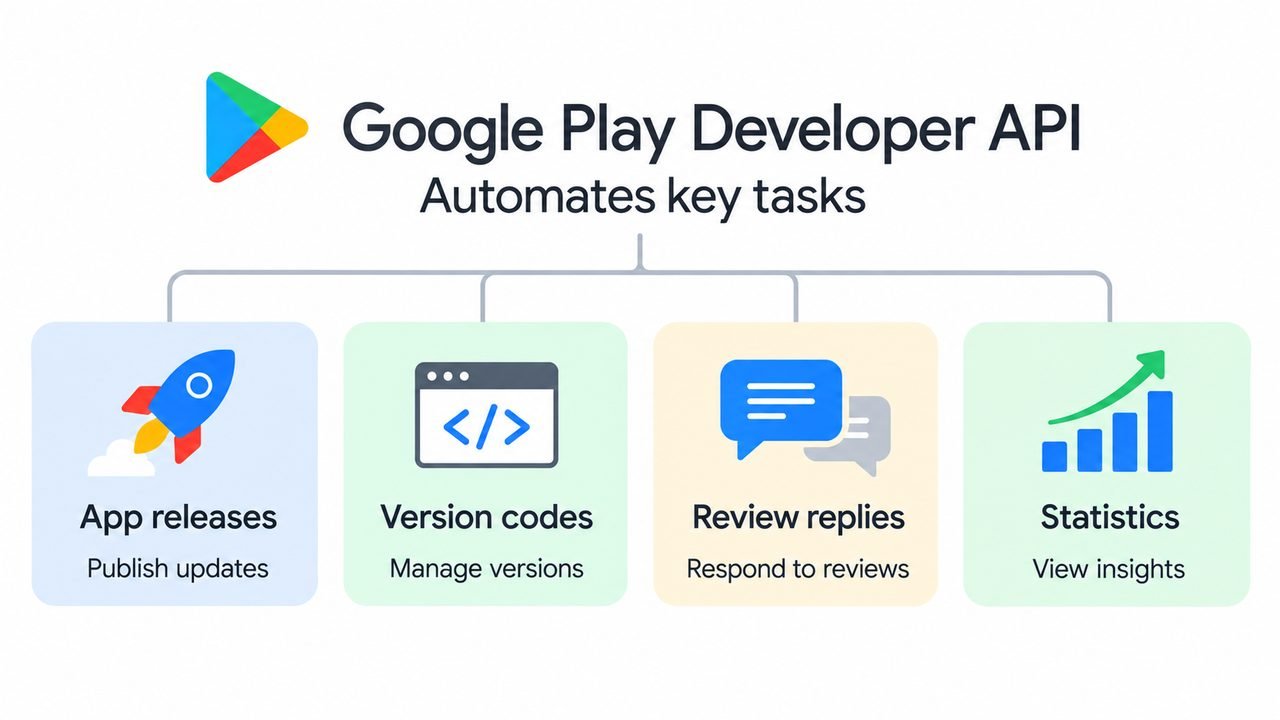
It automates publishing operations: uploading app bundles, managing release tracks and staged rollouts, replying to reviews, and verifying in-app purchases — everything mechanical, driven from your CI/CD pipeline instead of clicked through the dashboard.
Yes. API usage itself is free; you only need a Play Console developer account ($25 one-time). Standard Google Cloud quotas apply, but publishing workloads never come close to paid tiers.
Nearly. Uploads, track promotions, staged rollouts, and release notes can all be automated. Policy declarations, content ratings, and initial app creation stay manual in the dashboard by design.
The Edits API lets you update a release’s status to halted, stopping distribution to new users while keeping it for those who already received it. Most teams wire this to their vitals monitoring for automatic protection.
The version name (e.g., “2.4.1”) is what users see. The version code (e.g., 20401) is the integer Google Play uses to determine which build is newer — it must increase with every upload, and it’s what your automation should manage.
Probably not on day one. The dashboard is fine for monthly releases. The API pays off when you’re shipping weekly, managing multiple apps, or coordinating a team — that’s when manual clicking becomes the bottleneck.
The Google Play dev console rewards developers who treat publishing as engineering: automate the mechanical, keep humans on the judgment calls, monitor vitals like SLIs, and roll out in stages with automatic halts. That’s the difference between shipping with confidence and shipping with hope.
If the operational side — setup, verification, testing tracks, compliance — is eating your building time, Play Console Store handles it for you. We’re an independent marketplace. See our Google Play services and our developer tips.